
Claude for Small Business in 2026: Is It Worth It for a 10-50 Person Team?

TL;DR
- Claude for Small Business is not a separate Claude model. It is an Anthropic package of connectors, skills, and ready-to-run workflows that runs through Claude Cowork and is meant to pull Claude into tools small businesses already use.
- For a 10-50 person company, Claude is worth serious evaluation when the bottleneck is recurring operational work across QuickBooks, PayPal, HubSpot, Canva, Docusign, Google Workspace, Microsoft 365, or Slack - not when the team only wants a better writing chatbot.
- The right comparison is not "Claude or ChatGPT?" in the abstract. Claude for Small Business is strongest for owner-approved agentic workflows; ChatGPT Business is strongest as a broad collaborative AI workspace; Microsoft 365 Copilot is strongest when the whole business already runs inside Microsoft 365.
What is Claude for Small Business?
Claude for Small Business is Anthropic's small-business package for putting Claude inside the operational tools a business already uses. Anthropic announced it on 13 May 2026 as a package of connectors and ready-to-run workflows for small business owners, not as a new model family or a separate accounting product.
The important phrase is "inside the tools". The launch names Intuit QuickBooks, PayPal, HubSpot, Canva, Docusign, Google Workspace, Microsoft 365, and Slack as the kind of stack Claude is meant to connect to. In the Claude small business solution page, Anthropic describes a one-click plugin that runs in Claude Cowork through the desktop app, with workflows for payroll planning, month-end close, morning briefs, growth campaigns, invoice chasing, lead triage, contract review, and content strategy.
That is why this launch matters. Most small businesses do not fail at AI because they cannot write prompts. They fail because the useful work lives across invoices, inboxes, spreadsheets, campaign assets, contracts, and calendars. A generic chat window can help with a draft. It cannot, by itself, reconcile PayPal settlements against QuickBooks, rank overdue invoices, draft the reminder emails, and pause for owner approval before anything sends.
The market already knows AI exists. The U.S. Chamber of Commerce reported in 2025 that 58% of small businesses said they use generative AI, up from 40% in 2024. The gap is not awareness. The gap is turning casual AI use into a governed operating rhythm.
How much does Claude for Small Business cost in 2026?
Anthropic does not present Claude for Small Business as a separately priced standalone SKU in the announcement. The practical cost is the Claude plan you need, the connected business apps you already pay for, and the implementation time required to make the workflows reliable.
As of 19 May 2026, the Claude pricing page lists Claude Pro at $17 per month on annual billing, or $20 monthly. It lists Claude Team for teams of 5 to 150, with standard seats at $20 per seat per month on annual billing, or $25 monthly, and premium seats at $100 per seat per month on annual billing, or $125 monthly. The same page says Team includes Claude Code and Claude Cowork, central billing and administration, SSO, connector admin controls, enterprise deployment for the desktop app, and no model training on your content by default.
For a 10-person team, the simple licensing math is therefore about $200 per month for standard Team seats on annual billing, before taxes, premium seats, connected SaaS subscriptions, or implementation help. For a solo owner or tiny pilot, Pro or Max can be enough to test the workflow shape. For a team rollout, Team usually matters because permissions, billing, connector controls, and deployment discipline matter more than the nominal seat price.
The implementation cost is the hidden line item. A small business that simply toggles the plugin on may get useful first runs. A small business that wants dependable invoice chasing, cash briefings, campaign staging, or contract follow-up needs workflow mapping, tool permissions, review gates, test data, and a rollback plan. That is where most of the value is either won or lost.
Should a small business use Claude for Small Business or ChatGPT Business?
Use Claude for Small Business when the work is a repeatable business workflow and the owner wants Claude to operate across tools with approval gates. Use ChatGPT Business when the main need is a broad AI workspace for writing, analysis, meetings, file work, custom GPTs, and general team collaboration.
OpenAI's ChatGPT Business pricing page describes Business as a secure collaborative workspace for startups and growing businesses, with 2+ users, app connections, data analysis, record mode, shared projects, custom workspace GPTs, member management, SAML SSO, MFA, and no training on your data. The page shows regional annual pricing and says monthly billing is $25 per user per month.
The difference is practical. ChatGPT Business is the cleaner default if your team asks many different knowledge-work questions all day and wants one general workspace. Claude for Small Business is the better test if the owner can name three workflows that happen every week and cross finance, sales, marketing, or operations systems.
| Question | Claude for Small Business | ChatGPT Business | Microsoft 365 Copilot Business | Gemini Enterprise Business |
|---|---|---|---|---|
| Best fit | SMB workflows across finance, sales, marketing, ops, and documents | Broad collaborative AI workspace for a growing team | Microsoft-native work in Outlook, Teams, Word, Excel, PowerPoint, and SharePoint | Google-led or mixed workspace search, agents, and no-code workflow automation |
| Pricing signal on 19 May 2026 | Claude Team standard seat: $20/user/month annual, $25 monthly; Pro starts at $17/month annual | Business plan: 2+ users; $25/user/month when billed monthly, with annual price shown by region | $21/user/month paid yearly, promotional $18 through 30 June 2026, or $25.20 monthly; qualifying Microsoft 365 plan required | Business edition starts at $21 USD/seat/month for 1-300 seats |
| Operating model | Claude Cowork plugin plus connectors, skills, and approval-led workflows | Chat, files, projects, apps, GPTs, meetings, data analysis, and general workspace AI | Copilot Chat plus Microsoft 365 app integration and Work IQ | Gemini Enterprise app with connectors, prebuilt agents, NotebookLM Enterprise, and Agent Designer |
| Strongest SMB use | Chasing invoices, preparing close packs, staging campaigns, lead triage, contract status follow-up | Drafting, research, analysis, meeting notes, internal assistants, broad team experimentation | Email, Teams, Office files, SharePoint knowledge, and governed Microsoft adoption | Google Workspace, Microsoft 365, HubSpot, Jira, business search, and no-code agents |
| Main watch-out | Needs workflow design and permissions discipline; not every workflow should run end-to-end | Can stay as another chat tab if nobody operationalises it | Best economics when the company already pays for eligible Microsoft 365 plans | Strongest when the business is ready for a platform-style agent workspace |
How does Claude compare with Copilot, Gemini, Notion AI, and Mistral for SMBs?
Microsoft 365 Copilot Business is the natural choice when the business already lives in Microsoft 365 and the work is mostly email, meetings, Office documents, SharePoint, and Teams. Microsoft says Copilot Chat is included for eligible Microsoft Entra users with qualifying Microsoft 365 subscriptions, while Copilot Business adds app integration, Work IQ, agents, and enterprise-grade security. The separate qualifying Microsoft 365 license matters; Copilot is not just one extra AI subscription in isolation.
Gemini Enterprise Business is more platform-shaped. Google's Gemini Enterprise page positions the Business edition for small businesses and teams up to 300, starting at $21 per seat per month, with connectors to Google Drive, Microsoft OneDrive, SharePoint, HubSpot, Jira, Google Workspace, and Microsoft 365. It is strongest when a company wants workplace search, no-code agent building, and Google-made agents such as NotebookLM Enterprise in one app.
Notion AI belongs in a narrower comparison. If the company already runs its operating memory in Notion - SOPs, meeting notes, roadmaps, client notes, project docs - Notion AI can be extremely useful. It is weaker as a cross-tool operations layer when the hard work lives in QuickBooks, PayPal, HubSpot, Microsoft 365, or Docusign.
Mistral and other model-led options matter when the driver is model choice, data residency, custom deployment, or European AI strategy. That is a different buying motion from a 12-person services firm asking, "Can this chase invoices and prepare Monday's operating brief without hiring another coordinator?"
The AI Heroes view is simple: choose the tool that matches the workflow substrate. If the work lives in Microsoft 365, start with Copilot. If the work lives in a general AI workspace, test ChatGPT Business. If the work crosses SMB operating apps and needs approval-led execution, Claude for Small Business deserves the first pilot.
How should a 10-50 person team roll Claude for Small Business out?
A serious rollout starts with workflow inventory, not software enthusiasm. We would map the business around three questions: which work repeats every week, which work crosses more than one system, and which work is low enough risk that a human can review the output before anything external happens.
For a 10-person company, one owner and one operator should run the first two workflows personally for a week. For a 50-person company, form a small rollout pod: owner or GM, operations lead, finance lead, sales or marketing lead, and whoever owns the source systems. Do not open every connector on day one. Start with the smallest useful permission set.
The first workflows should be visible enough to matter and safe enough to review. A weekly cash brief is better than autonomous payment execution. Drafting invoice reminders is better than sending them without approval. Preparing a campaign plan and staging assets is better than publishing without a human sign-off. The launch promise is not that Claude replaces the owner. Anthropic's own framing says Claude does the work and the owner approves before anything sends, posts, or pays.
| Rollout condition | Claude for Small Business works when... | Claude for Small Business struggles when... |
|---|---|---|
| Team size | 5-50 people share recurring admin across finance, sales, marketing, or ops | One person wants occasional brainstorming and no shared process |
| Workflow shape | The task repeats weekly or monthly and crosses two or more tools | The work is novel, ambiguous, or mostly strategic judgment |
| Source systems | The relevant data is already in QuickBooks, PayPal, HubSpot, Canva, Docusign, Google Workspace, Microsoft 365, or Slack | Critical context lives in someone's head, on paper, or in unmanaged local files |
| Risk level | A human can review the plan, draft, or output before action | The workflow would trigger payments, legal commitments, or regulated advice without review |
| Management readiness | Someone owns permissions, QA, training, and workflow updates | Nobody is accountable for correcting bad runs or improving the workflow |
What workflows justify Claude for Small Business day-to-day?
The highest-return workflows are usually unglamorous. They happen after hours, cross systems, and are easy to delay until the owner is tired. That is exactly why they are good candidates.
Finance comes first for many SMBs. Claude can help prepare a cash position brief, rank overdue invoices, compare PayPal settlements with QuickBooks entries, draft reminder emails, and assemble a close packet for the accountant. The review gate is non-negotiable: the owner or finance lead approves what is sent and what is filed.
Sales and marketing come next. A business using HubSpot and Canva can ask Claude to find a slow revenue period, inspect campaign performance, draft a promotion strategy, generate draft campaign assets, segment the list, and stage the send. That is not a replacement for taste or offer strategy. It is a way to remove the coordination drag between analysis, copy, creative, and CRM execution.
Operations is the quieter win. A Monday morning brief that pulls cash, pipeline movement, calendar commitments, and open customer issues into one page can change how a small team runs the week. Contract workflows are another fit: Docusign status, missing signatures, renewal dates, and document filing are exactly the kind of administrivia that clogs a founder's evening.
If the workflow would be valuable even when performed by a diligent human assistant, it is probably a good Claude for Small Business candidate. If the workflow requires final professional judgment - tax advice, legal advice, hiring decisions, credit decisions, medical guidance, regulated financial advice - Claude should prepare the packet, not make the call.
When is Claude for Small Business worth it, and when is it not?
Claude for Small Business is worth it when the business has enough recurring admin pain to justify a managed rollout. The break-even is not only seat price. It is the owner's recovered attention, fewer missed follow-ups, cleaner handoffs, and less copy-paste work across systems.
It is not worth it if the business has no shared systems, no appetite for process cleanup, or no owner for the rollout. Connecting Claude to a messy stack will not magically create operating discipline. It will surface where the business already lacks it.
It is also not a reason to skip governance. Anthropic says small business owners in its survey named data security as their biggest hesitation about AI, and the product response is built around existing permissions, approval, and no training on Team and Enterprise data by default. That is the correct posture. It still leaves work for the business: permission review, least-privilege access, audit habits, and a clear rule for what Claude may draft, stage, send, file, or never touch.
The most useful mental model is not "AI employee". It is "operations layer". Claude can run repeatable workflows, gather context, prepare drafts, and hold the thread across tools. Humans still own the business judgment, the customer relationship, the payment approval, and the risk.
What should the first 30 days look like?
Week one is mapping and permissions. Choose three workflows, name the systems involved, assign the human reviewer, and decide what Claude is allowed to do at each step. For most SMBs, the first set should include one finance workflow, one sales or marketing workflow, and one operating brief.
Week two is live pilot work. Run each workflow manually with Claude in the loop. Do not automate the schedule yet. Capture every correction: missing context, wrong tone, bad assumption, permission issue, or output format problem. These corrections become the operating instructions.
Week three is repeatability. Turn the best workflow into a recurring routine. Add a simple acceptance checklist: source systems checked, risky actions paused, human reviewer named, output stored in the right place, and exceptions logged.
Week four is the rollout decision. Expand only the workflows that behaved well under review. Kill the ones that sounded clever but did not save real time. Train the rest of the team on the workflows that survived, not on a generic AI seminar.
That is the difference between buying another AI subscription and implementing an AI operating layer. The subscription gives you access. The implementation gives you a business result.
What should you read next about Claude and SMB automation?
If you are evaluating Claude for a real company, read this cluster next:
- Claude Microsoft 365 Connectors: Now Available on Every Claude Plan
- Claude Computer Use on Windows: What It Changes for SMB Automation
- The Gap Between the Rails
- The Prompt That Never Worked
- Microsoft Copilot Cowork vs Claude Cowork: The Borrowed Brain
- Explore AI Heroes AI solutions
- Talk to Marco about a supervised Claude rollout
Frequently Asked Questions

Founder, AI Heroes
I build AI companies and the systems inside them. At AI Heroes, we give businesses the functional capacity to grow without the headcount growth normally demands — sales that follows up, marketing that runs, content that ships, ops that handles itself. We audit where you're leaving growth on the table, build the team that captures it, and hand it over completely.
I've built at scale before. Leading product and GTM at SlideSpeak AI (1M+ monthly users, profitable, bootstrapped). CPO at Disperse — the AI construction platform that went from 3 to 200+ people on $35M raised. I also co-founded LOBOMAR, a luxury fashion label featured in Elle, Cosmopolitan, and the LA Times, with shows at the London Design Museum, Wereldmuseum, and Amsterdam Fashion Week.
Related Articles
How to Get Started with Claude Cowork: A Decision Framework for Knowledge Workers (2026)
Claude Cowork is where you delegate a whole task instead of asking a question — point it at your files and apps, describe the outcome, get finished work. The hard part isn't the prompt, it's knowing which tasks to hand it. Here's a 5-signal fit test, the three shapes a Cowork task can take, and how to get your first deliverable in ten minutes.

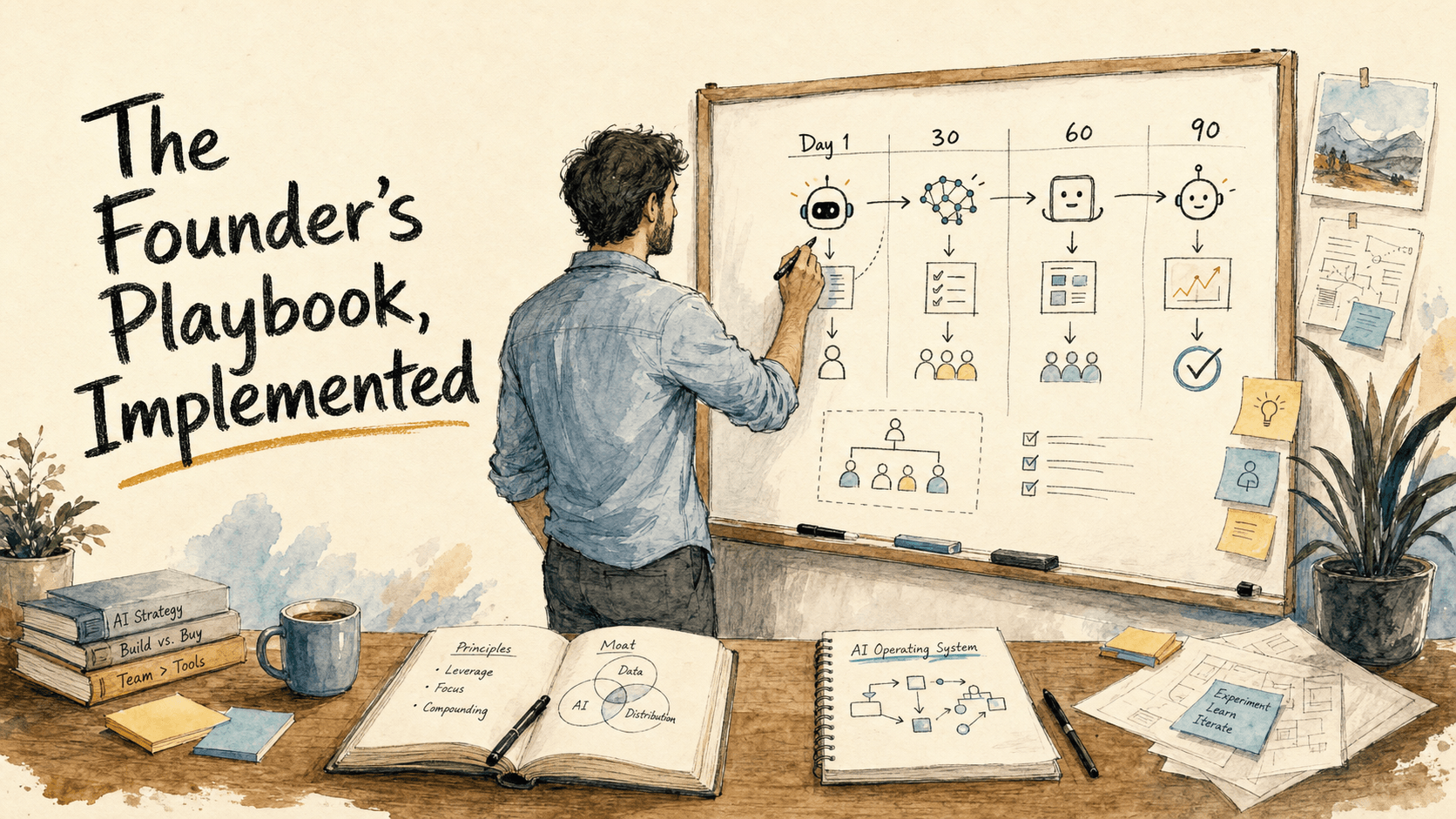
The Founder's Playbook, Implemented: A 90-Day Claude Rollout Guide for Founders (2026)
Anthropic's Founder's Playbook explains how AI-native startups move from idea to scale. This AI Heroes companion turns that framework into a first-90-days operating plan for founder-CEOs rolling out Claude inside a real company.

Claude Cowork vs Copilot for RIA Service Teams: Which Fits Client Review Work?
Copilot fits Microsoft 365 document work. Claude Cowork may fit supervised review-pack operations across files and tasks, subject to compliance review.