
Claude Microsoft 365 Connectors: Now Available on Every Claude Plan

TL;DR
- Claude Microsoft 365 connectors moved Outlook, OneDrive, and SharePoint access onto every Claude plan, lowering the testing barrier.
- The operational value is not pricing alone; Claude can now reason over the email, documents, and files many teams already use.
- Teams should choose by workflow: Microsoft-native work may stay with Copilot, while Claude-connected Microsoft 365 content can support broader AI workflows.
Claude said on April 3, 2026 that Microsoft 365 connectors are now available on every Claude plan, covering Outlook, OneDrive, and SharePoint. That is a pricing and availability change, but operationally it is really a workflow change.
What Changed
The announcement is simple: Claude Microsoft 365 connectors are now available on all Claude plans.
The connectors named in the announcement are:
- Outlook
- OneDrive
- SharePoint
That matters because Claude can now work against the systems many office teams already live in, without the connector access being restricted to a narrower part of the pricing ladder.
For smaller teams, that makes testing easier. For larger teams, it makes broader rollout easier. For everyone else, it reduces the gap between "Claude is interesting" and "Claude is connected to the files and messages the business actually uses."
What Claude Microsoft 365 Connectors Mean in Practice
This is not about adding another chat tab.
When Claude can reach Outlook, OneDrive, and SharePoint, it can work with the real substrate of knowledge work:
- Email threads that contain decisions, approvals, and context
- Shared documents that hold draft proposals, reports, and operating notes
- Team folders where the latest version of the file actually lives
That changes the quality of the interaction. Instead of asking Claude a generic question and pasting context in manually, teams can start from the material they already have inside Microsoft 365.
For example:
- A sales lead can ask Claude to summarize the last client thread in Outlook and draft a next-step email
- An operations manager can ask Claude to pull the latest process document from SharePoint and turn it into a cleaner SOP
- A delivery lead can ask Claude to review a OneDrive folder of project files and produce a briefing before a steering call
The core value is not novelty. It is less manual context assembly.
Why This Matters Operationally
Most businesses do not suffer from a shortage of information. They suffer from information being split across inboxes, shared drives, and half-finished documents.
Microsoft 365 is often where that mess already lives. So when Claude Microsoft 365 connectors become available on every plan, the practical effect is that more teams can use Claude closer to the actual work.
That matters most for teams where the bottleneck is not writing from scratch, but synthesizing, finding, and responding:
- Operations teams that need to turn scattered files into clear process updates
- Client service teams that need fast thread summaries and accurate follow-ups
- Commercial teams that need proposal inputs, account history, and meeting prep in one place
- Leadership teams that need briefings from scattered documents before making decisions
The gain is usually speed first, then consistency second.
Who Benefits Most
Professional services firms
Consultancies, agencies, legal-adjacent teams, and financial services operators often run on long Outlook threads plus sprawling SharePoint folders. Claude can become more useful because the context is no longer trapped behind manual copy-paste.
SMBs already standardized on Microsoft 365
If your business already lives in Outlook and OneDrive, this lowers the cost of trying Claude in a serious way. You do not need a new document stack just to get value.
Teams doing recurring briefing work
Weekly account reviews, board packs, project status updates, vendor evaluations, handover notes. These are all cases where the hard part is collecting the source material, not typing the first sentence.
Practical Business Use Cases
1. Meeting prep from live email and files
Ask Claude to review the recent Outlook thread with a client, cross-check the latest project documents in SharePoint, and produce a concise prep note before the meeting.
2. Proposal and renewal support
Point Claude at the relevant OneDrive folder, prior proposal drafts, and the latest client emails. It can summarize open issues, extract reusable material, and draft the next version faster.
3. Internal policy and SOP cleanup
Many businesses have process documentation scattered across SharePoint. Claude can help consolidate overlapping docs, identify contradictions, and rewrite them into something people can actually use.
4. Executive briefings
Leaders often need the same thing in a different format: "Read the thread, scan the shared files, tell me what matters." Connectors make that request much more practical.
5. Inbox plus document workflows
A common operational pattern is simple: the decision starts in Outlook, the evidence lives in SharePoint, and the latest working file sits in OneDrive. Claude becomes more useful when it can span that path.
What This Does Not Automatically Solve
Connector access is useful, but it does not remove the need for workflow design.
Businesses still need to decide:
- Which folders and mailboxes should be in scope
- Which outputs can be used directly and which require review
- How to handle permissions, sensitive files, and approval steps
- Which recurring workflows are worth formalizing instead of using ad hoc
In other words, the connector expansion removes one barrier. It does not remove the need for governance.
Claude vs Copilot Is Still the Wrong First Question
For many businesses, the immediate question will be whether Claude Microsoft 365 connectors make Claude a substitute for Microsoft Copilot.
Sometimes the answer will be yes for specific workflows. Often the answer will be no.
The better first question is: where is the bottleneck?
- If your work is heavily tied to Microsoft-native workflow and tenant governance, Microsoft tools still matter
- If your team wants Claude's reasoning working against Microsoft 365 content, these connectors make that much easier to test
The tool decision should follow the workflow, not the other way around.
If that comparison is live for your team, our earlier breakdown of Microsoft Copilot Cowork vs Claude Cowork is the right companion piece.
The Bottom Line
The important part of this announcement is not the words "available on every plan" by themselves.
It is what those words unlock: more teams can now connect Claude to Outlook, OneDrive, and SharePoint without the connector layer being held behind a narrower pricing gate.
That makes Claude more testable for SMBs, more deployable for larger teams, and more relevant for businesses whose real work already lives inside Microsoft 365.
If your team wants to turn Microsoft 365 content into usable workflows rather than another disconnected AI experiment, talk to Marco. You can also explore our AI solutions, Claude setup support, or subscribe for new articles on the blog.
The agent built for this

AI Company Brain
The shared memory every AI system and agent you use runs on.
Meet AI Company BrainFrequently Asked Questions

Founder, AI Heroes
I build AI companies and the systems inside them. At AI Heroes, we give businesses the functional capacity to grow without the headcount growth normally demands — sales that follows up, marketing that runs, content that ships, ops that handles itself. We audit where you're leaving growth on the table, build the team that captures it, and hand it over completely.
I've built at scale before. Leading product and GTM at SlideSpeak AI (1M+ monthly users, profitable, bootstrapped). CPO at Disperse — the AI construction platform that went from 3 to 200+ people on $35M raised. I also co-founded LOBOMAR, a luxury fashion label featured in Elle, Cosmopolitan, and the LA Times, with shows at the London Design Museum, Wereldmuseum, and Amsterdam Fashion Week.
Related Articles

What Is Claude Tag? How Anthropic's Slack AI Teammate Works (2026)
Anthropic launched Claude Tag on 23 June 2026: a way to work with Claude inside Slack as a shared, always-on teammate. Tag @Claude and it plans a task, uses the tools you grant it, and replies in-thread. It is multiplayer, learns from the channel, can take initiative, and works asynchronously over hours or days. It runs on Opus 4.8, is in beta for Enterprise and Team, and replaces the old Claude in Slack app.


Microsoft Scout, Explained: The Always-On 'Autopilot' Built on OpenClaw
Microsoft Scout is the first of a new category Microsoft calls 'Autopilots' — a Windows and macOS desktop agent that acts on your files, shell, browser and Microsoft 365, and works autonomously in the background. Here's what's actually confirmed, what isn't, how to get it, and why it's built on the open-source OpenClaw framework.
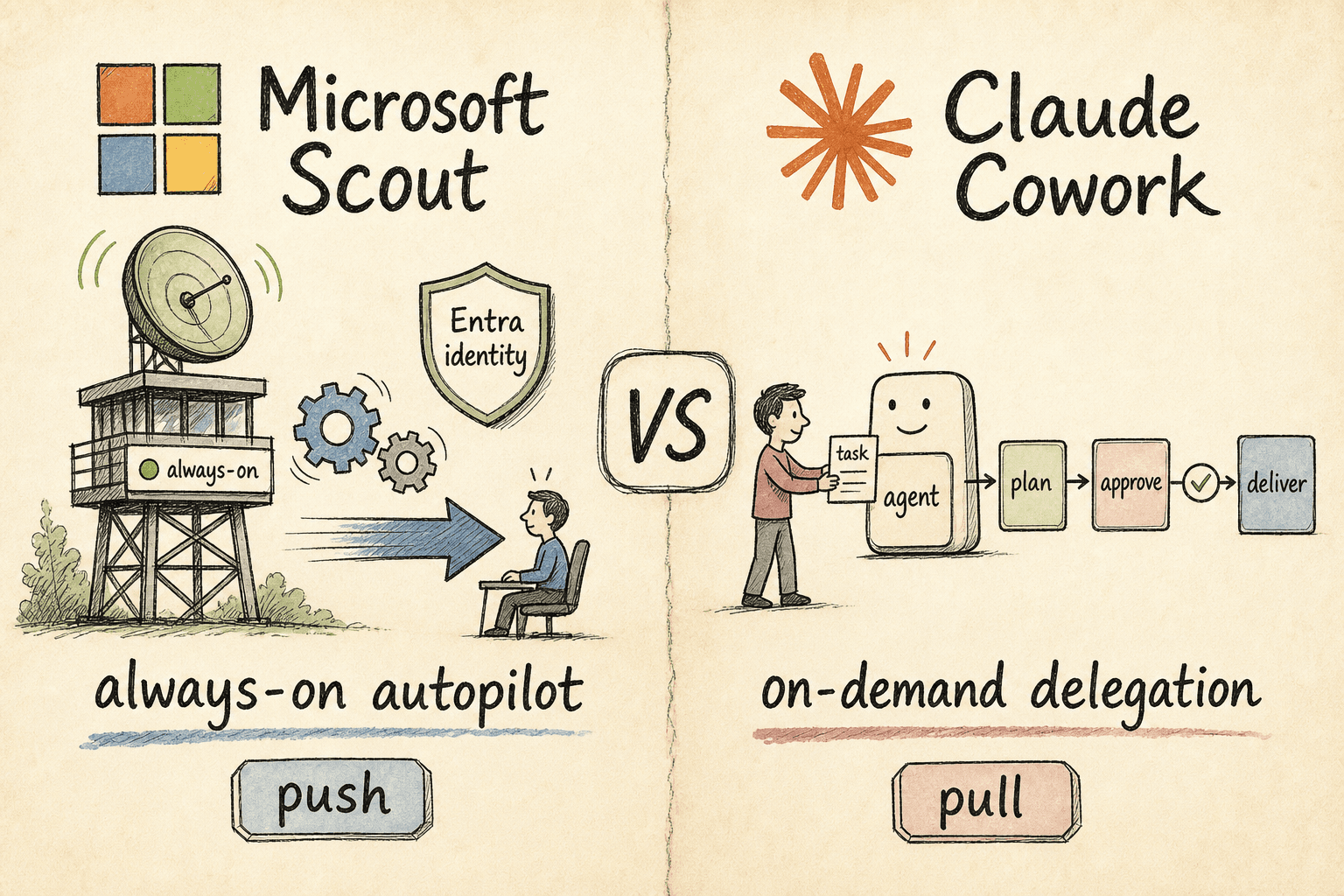
Microsoft Scout vs Claude Cowork: Autopilot or Delegation?
Two of 2026's biggest agent launches make opposite bets. Microsoft Scout is a desktop autopilot that runs in the background and acts on your behalf; Claude Cowork waits for you to hand it a task, then delivers. One is push, the other pull — here's which fits your team.