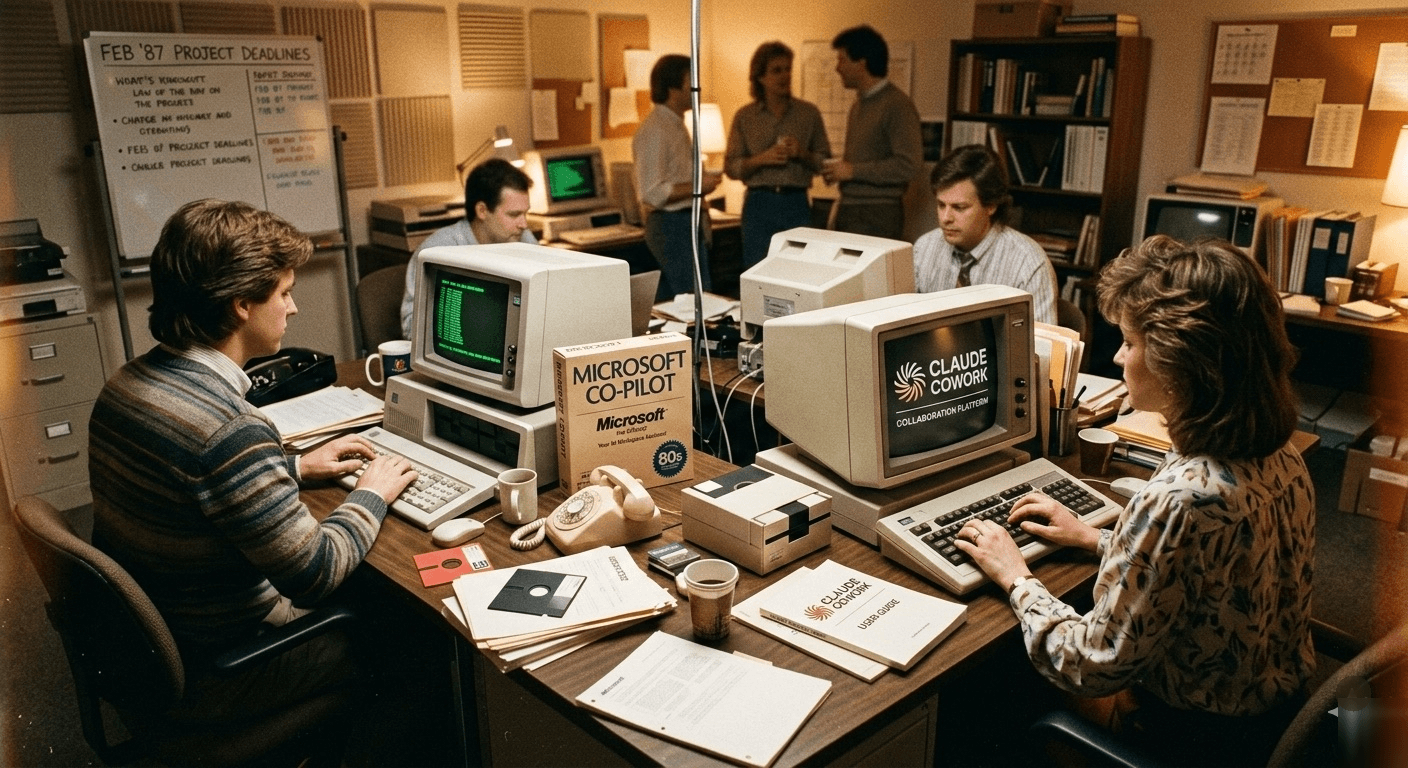

A comparison of two autonomous AI agents that share an engine but are built for completely different worlds.
The Same Code, Different Keys
Travis had the tab open for forty minutes before he typed a single word.
He was VP of Operations at a mid-sized financial services firm in Chicago — the kind of person who had survived three rounds of "digital transformation" and had developed a finely calibrated skepticism toward anything announced with the word agentic. On one tab: Microsoft Copilot Cowork, announced that morning as part of the Wave 3 rollout of Microsoft 365 Copilot. On the other: Claude Cowork, which he'd been trialing quietly for six weeks. Both claimed to be the same thing — an AI that takes a messy, multi-step instruction and turns it into a finished output while you do something else.
He typed nothing because he'd read enough to know that the real question wasn't "which is better." The real question was whether he was trying to improve the building he was already in, or build a new kind of room entirely.
That question is harder than it sounds.
Why the Building Decides the Answer
Here's the thing nobody in the Copilot Cowork vs Claude Cowork comparison articles says plainly: Copilot Cowork runs on Claude. Microsoft built it in direct collaboration with Anthropic. The reasoning engine inside the Microsoft product is, in meaningful part, the same reasoning engine inside the Anthropic product. This isn't a footnote. It's the entire frame.
This matters because it collapses the obvious framing. You are not choosing between two different AI brains. You are choosing between two different containers for the same brain — and the container turns out to be the entire decision.
The enterprise AI market has developed a shorthand for this comparison that misses the point. Reviews focus on features: which tool writes a better email, which one handles spreadsheets faster, which one has a cleaner interface. But the choice between Claude Cowork and Microsoft Copilot Cowork isn't a features question. It's an architecture question. One tool is a layer on top of the software you already use. The other is a replacement for the interface through which you use software at all.
People keep getting this wrong because they treat it as a productivity tool comparison, when it's actually a question about where you want the operating layer of your work to live.
The Tenant Who Never Leaves the Building
Imagine it's a Tuesday for Jennifer, a Senior Account Manager at a Chicago consulting firm running entirely on Microsoft 365. Her morning starts in Teams, moves to Outlook, detours through a shared Excel tracker, and ends with a PowerPoint deck that someone has already started but nobody has finished. This is not unusual. This is every Tuesday.
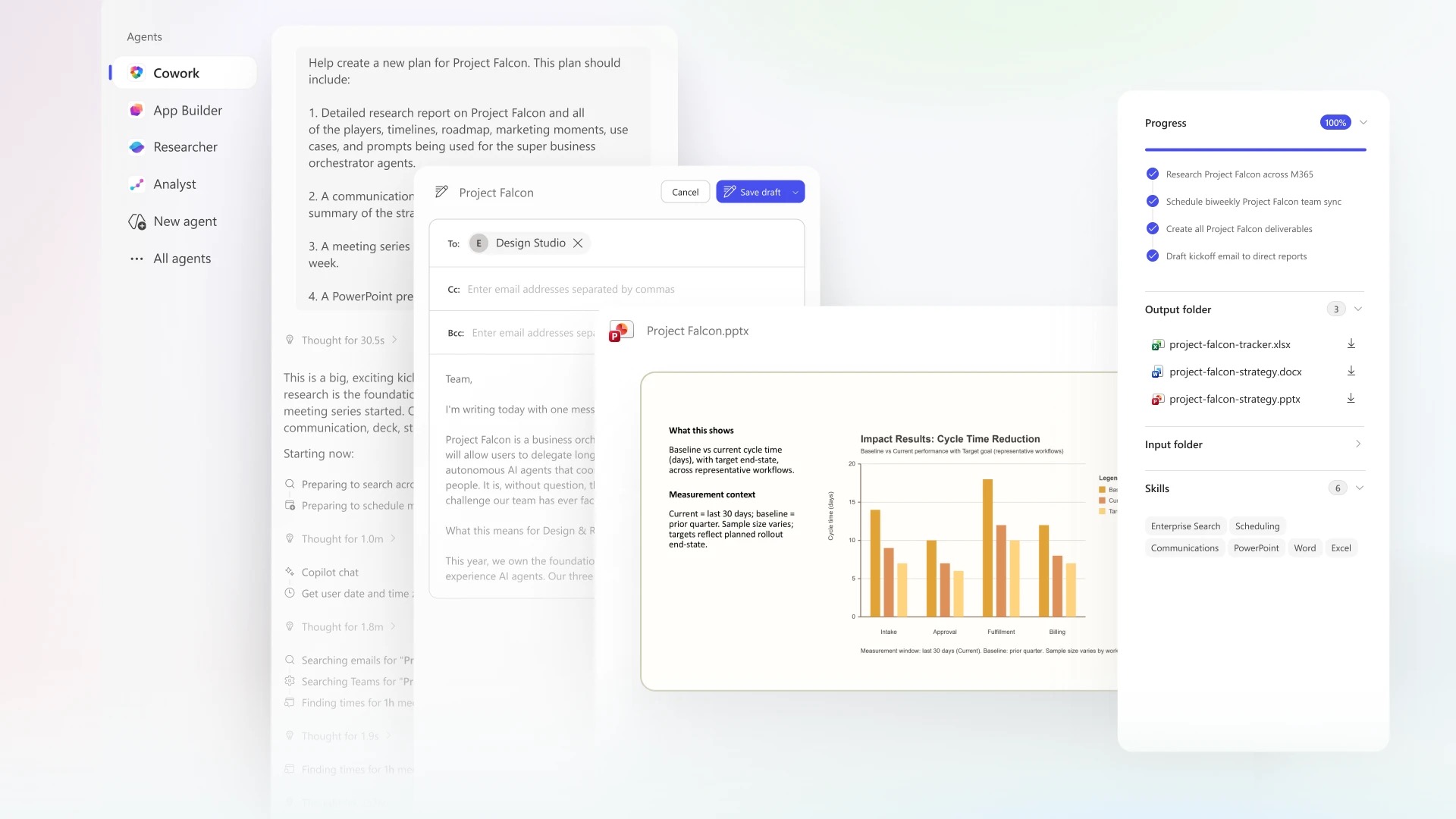
With Copilot Cowork, Jennifer types one sentence: "Prepare me for tomorrow's client review." What happens next is embedded in every application she already has open. Copilot pulls the recent email thread from the client in Outlook. It queries the shared Excel tracker through Microsoft Graph — not a copy of it, the live version, with permissions already understood. It drafts a meeting agenda in Word. It extends the PowerPoint deck her colleague started. It adds a prep block to her calendar. All of this without switching apps, because Copilot Cowork doesn't sit above the Microsoft stack.
It is the Microsoft stack, made to act.
The architectural truth: Copilot Cowork was built to deepen the value of infrastructure you already own. It is not trying to be your primary work surface. It is trying to make the work surface you've already invested in finally behave the way it always promised. For Jennifer, it doesn't replace anything. It activates everything.
The Contractor Who Works From Your Desk
Kenji is a freelance researcher in Seattle. His work tools change depending on the client — sometimes Google Drive, sometimes Notion, sometimes a proprietary database system he logs into through a browser. He doesn't have a Microsoft 365 subscription, and the idea of acquiring one for a single productivity tool is roughly as appealing as renting a warehouse to store a bicycle.
What he has is a desktop, a messy folder called Q1 Research, and a growing list of synthesis tasks that nobody else is going to do for him.
Claude Cowork doesn't live inside any particular application. He opens it the way you'd tap a colleague on the shoulder and say, "I need the three companies in this folder with the strongest Pacific Rim expansion signals, turned into a two-page client memo." Claude reads the PDFs directly, identifies patterns across documents, drafts the memo, saves it to the folder. Its context window — one million tokens — means it can hold more of his actual work in its reasoning at once than most enterprise tools can even address.

The architectural truth: Claude Cowork was not designed around any particular software stack. Its interface is a conversation. Its work surface is your computer. There is no app it's embedded in, which means there's also no app it can't reach — and no subscription you need before you can start.
Quick Comparison: Microsoft Copilot Cowork vs Claude Cowork
| Microsoft Copilot Cowork | Claude Cowork | |
|---|---|---|
| AI engine | Claude (Anthropic, via M365 Copilot) | Claude (Anthropic, direct) |
| Best for | M365-first teams, enterprise governance | Cross-environment work, non-M365 users |
| Integration | Deep M365: Outlook, Teams, Excel, SharePoint | Any file system, browser, 3rd-party connectors |
| Data access | M365 tenant (Microsoft Graph, live data) | Local files, Google Drive, DocuSign, Gmail |
| Security | M365 enterprise (SOC 2, data residency, audit logs) | Anthropic enterprise (maturing rapidly) |
| Pricing | $30/user/month (M365 Copilot subscription) | Standalone pricing via Anthropic |
| Requires | Microsoft 365 Copilot license | Anthropic account (or enterprise plan) |
| Best context | Permission-aware, cross-M365-app workflows | Multi-environment synthesis, stack-agnostic |
Three Scenarios That Made the Decision Obvious
The Morning the Ecosystem Was the Answer
Rosa runs investor relations at a publicly listed company in New York. Every quarter, she builds a reporting pack that touches seven different files across SharePoint, two Excel models, and a deck template that Legal has to approve before distribution.
She ran Copilot Cowork on a Thursday morning. It accessed the SharePoint files through Microsoft Graph, understood the permission structure without being told, pulled the right data from the right Excel tabs, populated the deck template, flagged three numbers that had changed since last quarter, and added a calendar reminder for Legal review. Eleven minutes.
The underlying principle: when your data already lives inside a governed, permission-aware system, an agent that understands the governance is worth more than one that is merely powerful.
Claude Cowork could synthesize those documents. It could not have done the SharePoint-native permissions work, the live Excel queries, or the Outlook calendar scheduling at this level of integration.
The Afternoon When the App Stack Was the Problem
DeShawn is a management consultant in Atlanta who works across three client environments simultaneously. One uses Google Workspace. One uses a custom internal portal. One uses Microsoft 365 — but DeShawn himself doesn't have a permanent Microsoft subscription.
He needed to synthesize competitive intelligence from forty-seven browser tabs, three PDF downloads, and a Notion page, then produce a structured briefing. He opened Claude Cowork, pointed it at the relevant folder, described the output. Cowork browsed the approved sources, read the PDFs, cross-referenced the Notion content, and drafted a structured memo with source citations. He reviewed and sent.
Copilot Cowork is not available to DeShawn. Not because he can't afford it — because it requires a Microsoft 365 Copilot license, currently starting at $30 per user per month, and the licensing assumes you're already inside the Microsoft ecosystem. For him, the question of "which is better" is answered before it starts.
The Week When Both Were True
Here is the scenario most comparison articles haven't caught up to yet: Travis's firm has Microsoft 365 Copilot licenses for the finance and compliance teams. They're also running Claude Cowork for the operations team, whose work spans six different client environments — none of them primarily Microsoft.
Copilot Cowork handles everything inside the Microsoft perimeter: the regulated, permissioned, compliance-logged work that Legal and IT need to be able to audit. Claude Cowork handles everything outside that perimeter: third-party vendor analysis, competitive research, synthesis across Google Drive documents and browser sessions, contract reviews routed through DocuSign connectors.
These tools are not substitutes. For a growing number of enterprise teams, they are complements — one governing the inside, one governing the outside.
The Substitution Error
The first mistake: Assuming that having Microsoft 365 Copilot Cowork means you don't need Claude Cowork. The logic seems sound — Copilot uses Claude's technology, so why pay Anthropic separately for the original? But this misunderstands what you're paying for in each case. Microsoft's licensing gives you Claude's reasoning inside a governed enterprise environment. Anthropic's licensing gives you Claude's reasoning with no constraint on the application surface. These are not the same product at different price points. They have different boundaries by design.
The second mistake: Thinking Claude Cowork is the obvious choice for enterprises that want more "flexibility." It's actually a different risk profile. Copilot Cowork inherits Microsoft 365's full enterprise security model — SOC 2, data residency, audit logs, the complete governance stack. Claude Cowork's enterprise offering, launched in early 2026 with connectors for Google Drive, Gmail, DocuSign, and FactSet, is maturing fast — but it is not yet at the same level of enterprise governance maturity. For heavily regulated industries like finance, healthcare, or legal — think SEC-registered firms, covered entities under HIPAA — this is not a minor asterisk.
The Question That Cuts Through It
The framework isn't complicated, but most comparison articles reach for it too late. Ask one question first: Is my work primarily inside one coherent, permission-governed software environment — or does it span environments?
-
If your answer is "inside Microsoft 365": Copilot Cowork is not just the safer choice — it is the more capable one for your situation. Live queries against SharePoint with permission inheritance, Teams-aware scheduling, cross-app workflow coordination across the M365 stack. The integration isn't a convenience feature. It is what makes the agent useful.
-
If your answer is "across environments": Claude Cowork gives you something Copilot Cowork doesn't: a single conversational interface that reaches anything you can reach. No prerequisite subscription stack. No app to configure before you can begin.
The universal truth hiding inside this specific comparison: the best AI agent is the one that already knows where your data lives.
What Travis Did With the Other Tab
Travis closed the Microsoft tab eventually. Not because Copilot Cowork wasn't impressive — it was — but because his operations team's most time-consuming work happened across six different client environments, none of them primarily Microsoft. He kept the Claude Cowork enterprise trial running. Two weeks later, he added the connectors for Google Drive and DocuSign and set it to handle the first pass on every vendor contract review.
He didn't switch off Microsoft. He didn't switch off anything.
He just stopped treating one tab as the enemy of the other.
For the engineering floor of your company — where codebases live — see our breakdown of Copilot Cowork vs Claude Code. And for a deeper look at the personal AI orchestration layer, read OpenClaw vs Claude Code.
The agent built for this

Richard
A forward-deployed AI agent that gets your software live and adopted inside every customer.
Meet RichardFrequently Asked Questions

Founder, AI Heroes
I build AI companies and the systems inside them. At AI Heroes, we give businesses the functional capacity to grow without the headcount growth normally demands — sales that follows up, marketing that runs, content that ships, ops that handles itself. We audit where you're leaving growth on the table, build the team that captures it, and hand it over completely.
I've built at scale before. Leading product and GTM at SlideSpeak AI (1M+ monthly users, profitable, bootstrapped). CPO at Disperse — the AI construction platform that went from 3 to 200+ people on $35M raised. I also co-founded LOBOMAR, a luxury fashion label featured in Elle, Cosmopolitan, and the LA Times, with shows at the London Design Museum, Wereldmuseum, and Amsterdam Fashion Week.
Related Articles
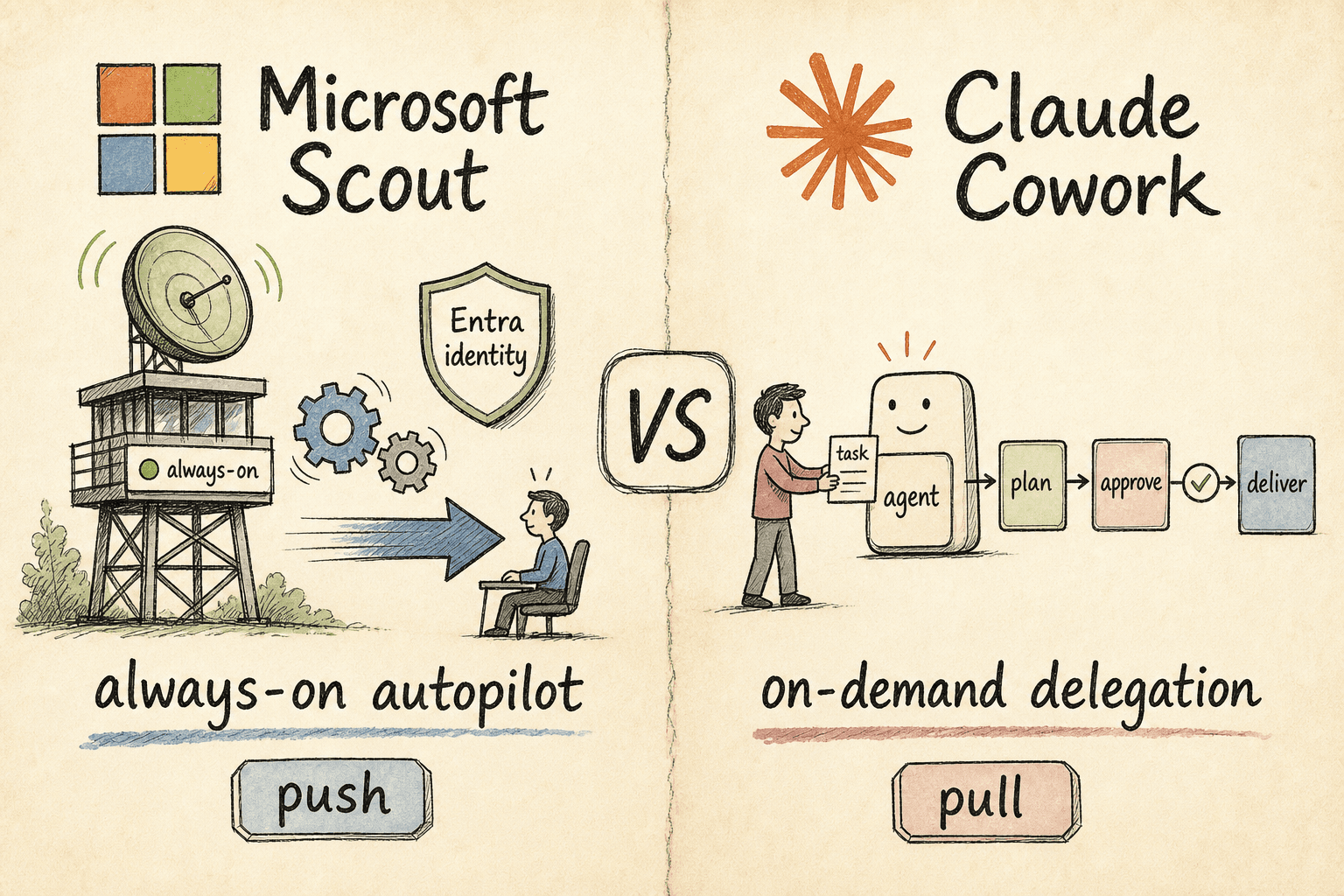
Microsoft Scout vs Claude Cowork: Autopilot or Delegation?
Two of 2026's biggest agent launches make opposite bets. Microsoft Scout is a desktop autopilot that runs in the background and acts on your behalf; Claude Cowork waits for you to hand it a task, then delivers. One is push, the other pull — here's which fits your team.

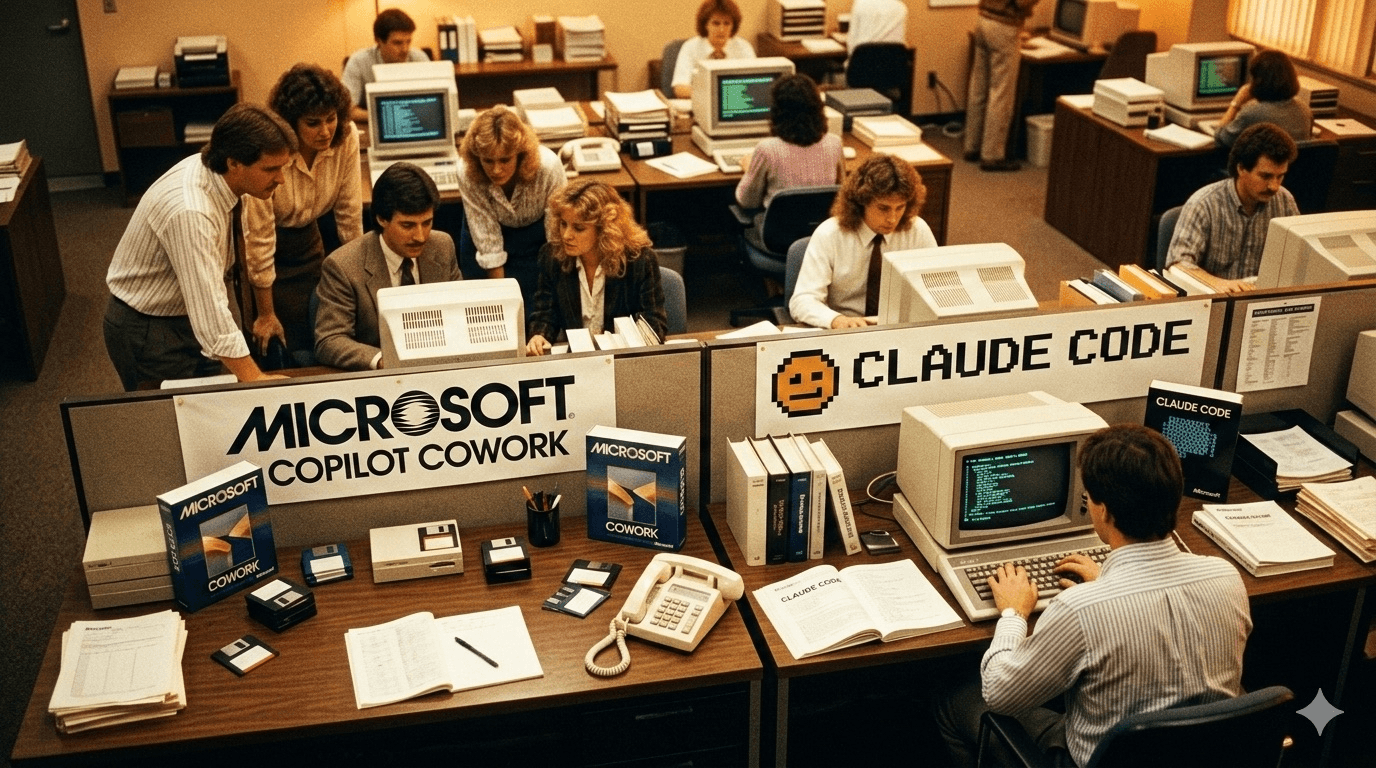
Microsoft Copilot Cowork vs Claude Code: The Two Floors Nobody Automated
Marcus is a CTO watching his engineers ship pull requests on Claude Code — and simultaneously reading Microsoft's Copilot Cowork announcement. His VP of Operations wants to know: should the whole company switch? The question is wrong. There are two floors. There are two tools.

What Is Claude Tag? How Anthropic's Slack AI Teammate Works (2026)
Anthropic launched Claude Tag on 23 June 2026: a way to work with Claude inside Slack as a shared, always-on teammate. Tag @Claude and it plans a task, uses the tools you grant it, and replies in-thread. It is multiplayer, learns from the channel, can take initiative, and works asynchronously over hours or days. It runs on Opus 4.8, is in beta for Enterprise and Team, and replaces the old Claude in Slack app.